01 // TOOL
Build your server
Create and manage Minecraft servers from your account. Choose the server software and version that fit the world you want to run.
Create and manage Minecraft servers from one clear control panel. Choose your software and version, keep an eye on server activity, and bring your Discord community into the loop.
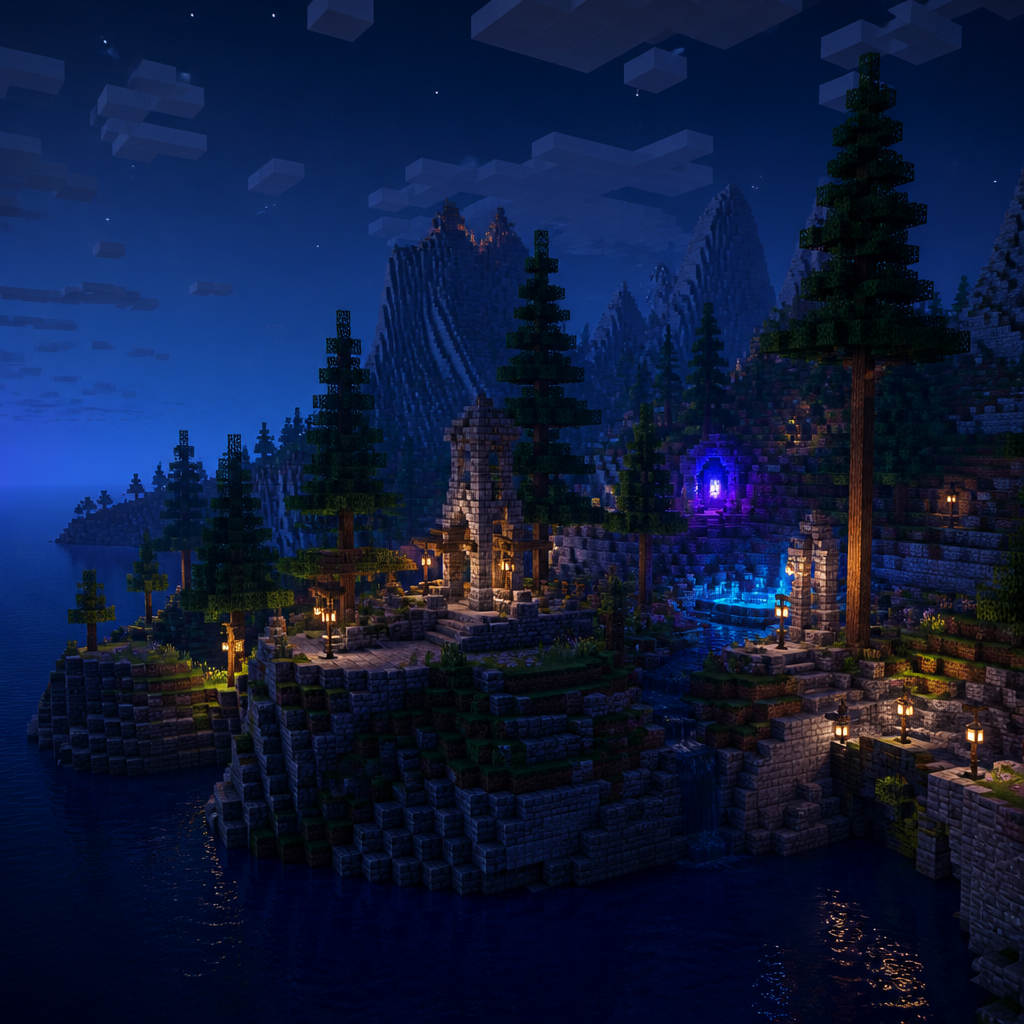
THE OFFICIAL NEXUS SERVER
The existing NeXuS world stays on your friend’s Windows PC. The head admin signs in here to get the protected setup steps, a one-time pairing code, and the Windows installer.
Sign in and open Official ServerTHE CONTROL PANEL // FOUR USEFUL TOOLS
Nexus MC gives you a focused place to set up a world, check in on it, and take action when it needs you.
Create and manage Minecraft servers from your account. Choose the server software and version that fit the world you want to run.
Check server status and review available metrics from the dashboard, without digging through a maze of panels.
Use the server console and controls in one place to manage the day-to-day running of your Minecraft server.
Connect a Discord server, then use eligible paid plans to bridge chat and route server or player activity notifications.
YOUR SERVER, IN THE CONVERSATION
Link a Discord server to your Minecraft server. With Premium or Premium+, enable a two-way chat bridge and choose a channel for server and player activity notifications.
A TOOLKIT FOR THE PEOPLE WHO RUN WORLDS
Nexus MC brings the everyday work of running a Minecraft server into one place: set up a world, manage its settings and controls, and see the status and metrics that help you understand what is happening.
Discord login keeps account access familiar. Optional Discord integration can connect your community conversations and server notifications to the world you manage. The goal is a clearer, more approachable way to look after your server.
Open the control panelRESOURCE PLANS // PICK YOUR LOADOUT
Start for free and choose a tier that fits your server. Premium and Premium+ also unlock the Discord chat bridge and activity notifications.
Server slots and configured disk allocations are shared across your Nexus account. Oracle account linking is not active yet; when it is, both your Nexus plan and Oracle’s account-wide limits will apply.
Perfect for testing and small friend groups.
Subscribe through Tebex or unlock Premium with a Discord Boost.
For large networks and competitive servers.
READY WHEN YOU ARE
Sign in, set up a server, and take it from there.
Sign in with Discord BACK TO TOP